

Behavioral Health CRM for Admissions and Referrals
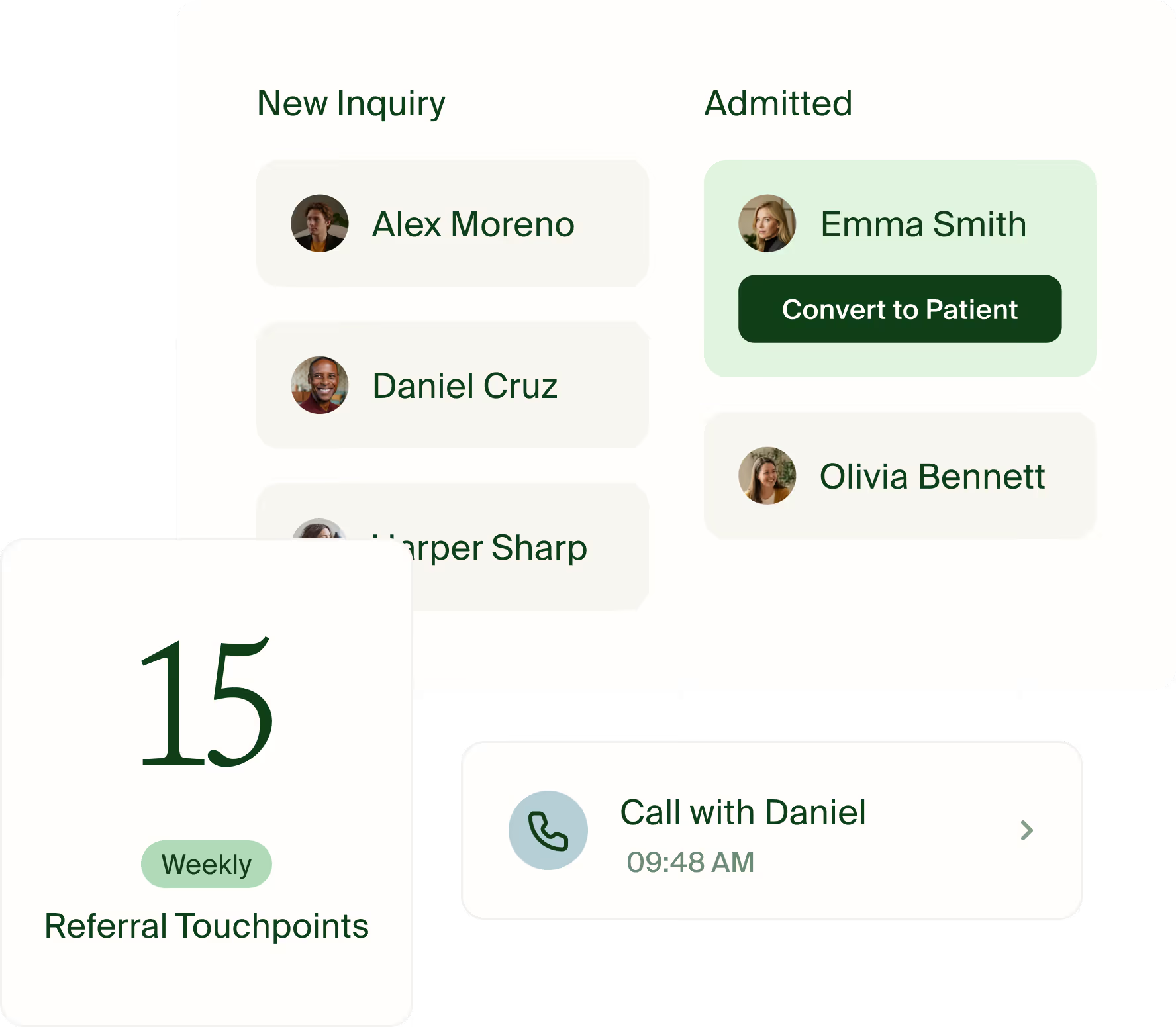
Follow a referral from inquiry to admission
A behavioral health CRM gives admissions teams a place to track referrals, intake steps, and follow-up before care begins. Ease Health connects that pipeline to the EHR so staff can review an inquiry and bring it into the patient chart at admission.
- Record the referral. Enter a fictitious referral, note its source, and choose the next intake step. Use the pipeline to track where follow-up is needed.
- Check for an existing record. In the demo, give the team a second inquiry for the same person. Ask staff to show what they can see about the previous inquiry or chart before deciding how to proceed.
- Review coverage. Ease Health runs real-time eligibility checks through Availity. Admissions staff review the returned coverage information and follow up on any questions before the handoff. In the demo, ask who follows up when the response leaves a coverage question open.
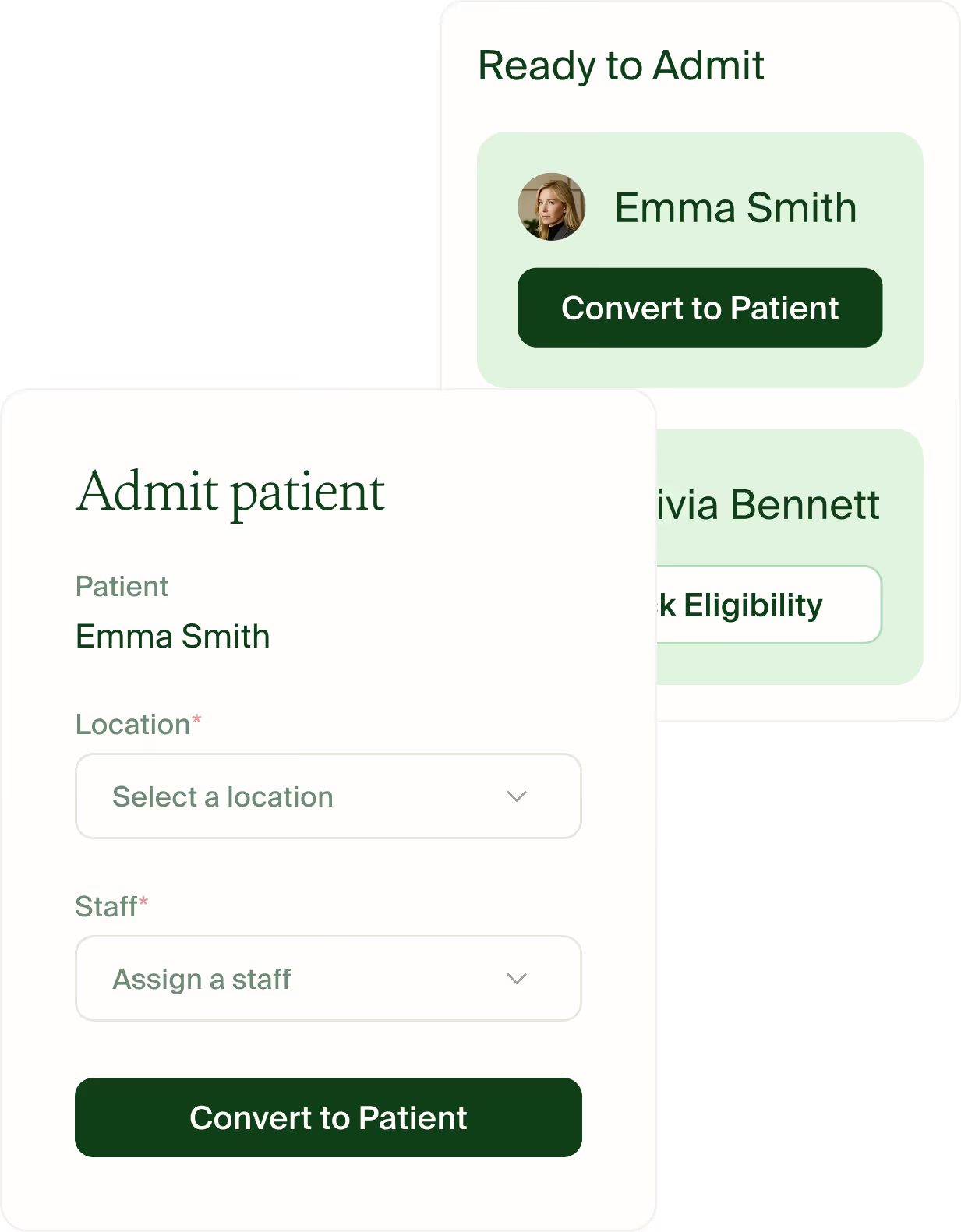
- Hand off to the clinical team. Ease Health’s CRM and EHR share a patient record. Staff can convert an inquiry at admission and review the intake information available in the chart. Have the receiving clinician show which information is available and what still needs to be collected. Then ask the admissions lead to find the referral source in reporting.
Use the duplicate referral review guide to build the demo. Follow the same sample chart into clinical documentation and billing review.
Use the behavioral health CRM buyer scorecard to run the same two-site admissions test with every vendor.
Check insurance eligibility before admission
Ease Health checks insurance eligibility through Availity during intake. Admissions teams can review the returned coverage and benefits, record confirmed amounts, and follow up on open questions before handing the patient to the clinical team.
For example, an eligibility response may show active coverage and leave a benefit amount unanswered. Admissions can record what the team confirmed and give the open question to a teammate for follow-up. The receiving team can review authorization separately for the planned service.
Use the eligibility, benefits, and authorization checklist to track what each step established and who owns the next action.
See how those questions carry forward when the planned IOP or PHP admission changes.
What NOW Counseling changed at intake
NOW Counseling moved intake documentation from free-text entries to configurable templates. The team reported spending about one hour on intake documentation, down from roughly two hours. Read the customer case study.
Everything you need in a CRM
"The system is designed simply but has robust functionality aimed exactly at the needs of BD and admissions teams working in behavioral health"

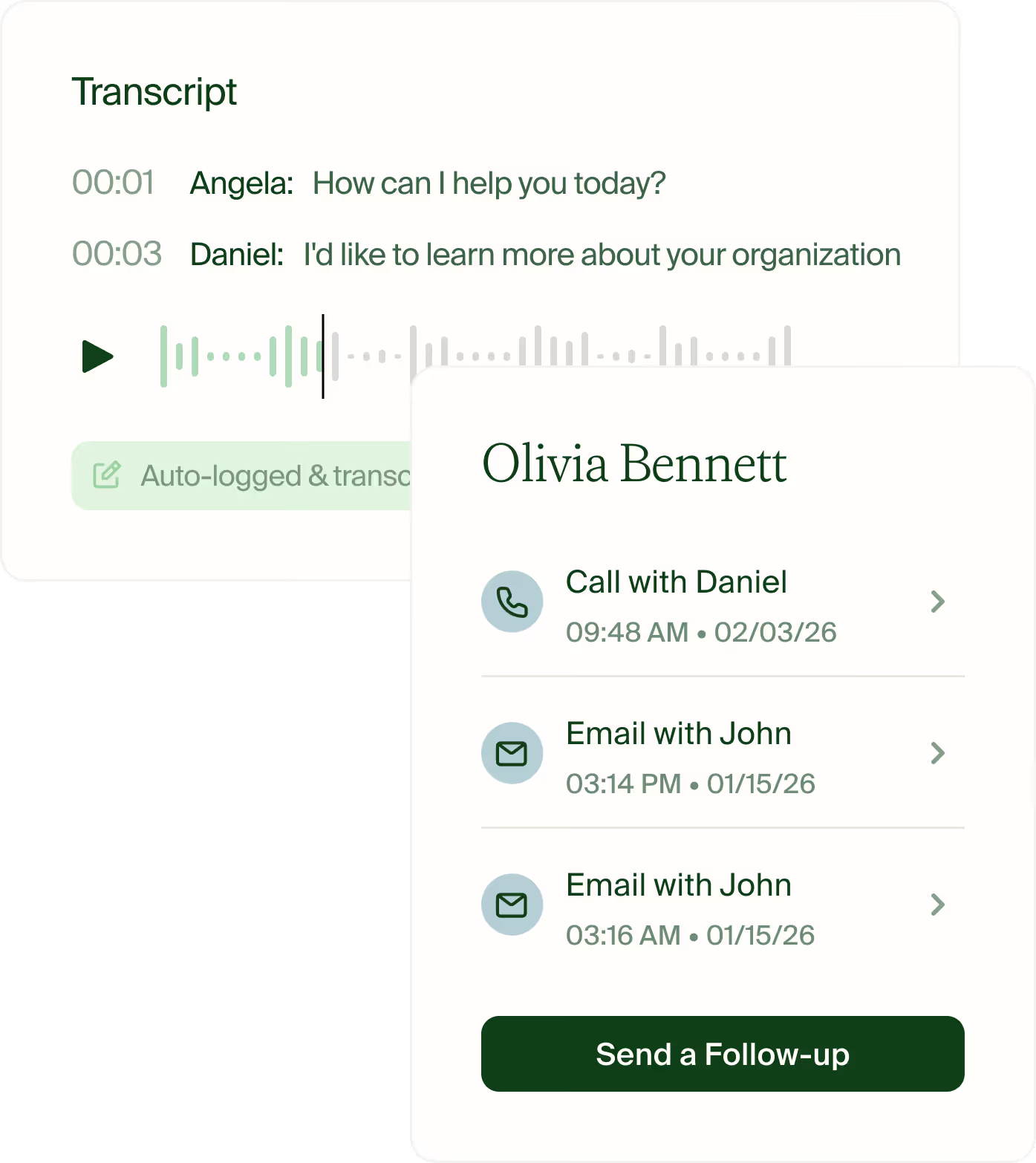
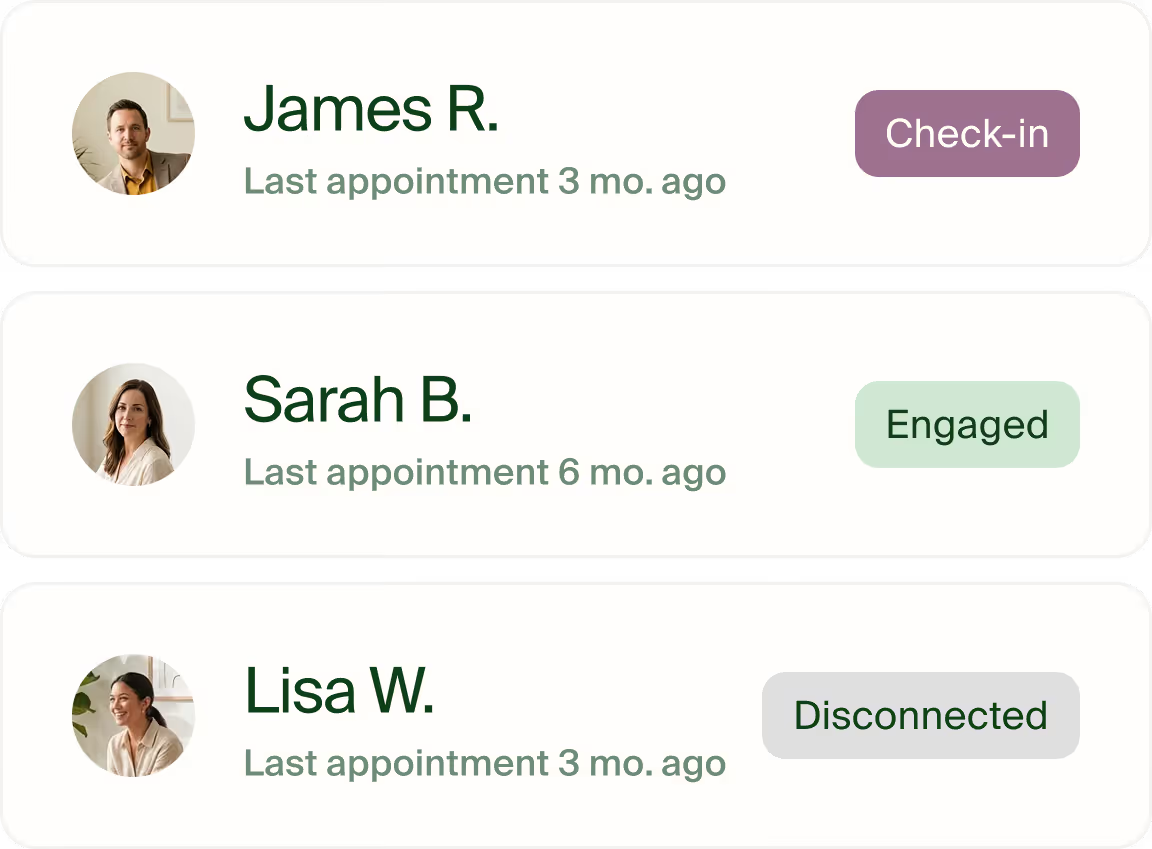
What it’s like working with Ease


Seamless integrations
Ease works seamlessly with your existing systems and vendors, enabling reliable data exchange and smooth, end-to-end workflows.


FAQ
Ease Health lets admissions teams record a referral source, track inquiries through a configurable pipeline, and report on referral activity and conversions.
A behavioral health CRM gives admissions teams a place to track referrals, intake steps, and follow-up before care begins. Ease Health connects that pipeline to the EHR so staff can review an inquiry and bring it into the patient chart at admission.
Ease Health offers Power BI dashboards, custom reports, and reporting from intake through billing.
Ease Health checks insurance eligibility through Availity during intake. Admissions teams can review the returned coverage and benefits, record confirmed amounts, and follow up on open questions before handing the patient to the clinical team.
Ease Health’s CRM and EHR share a patient record. Staff can convert an inquiry at admission and review the intake information available in the chart.